
BackWPup allows you not only to back up the database for your WordPress installation, but also to back up additional databases that are not part of your WordPress installation.
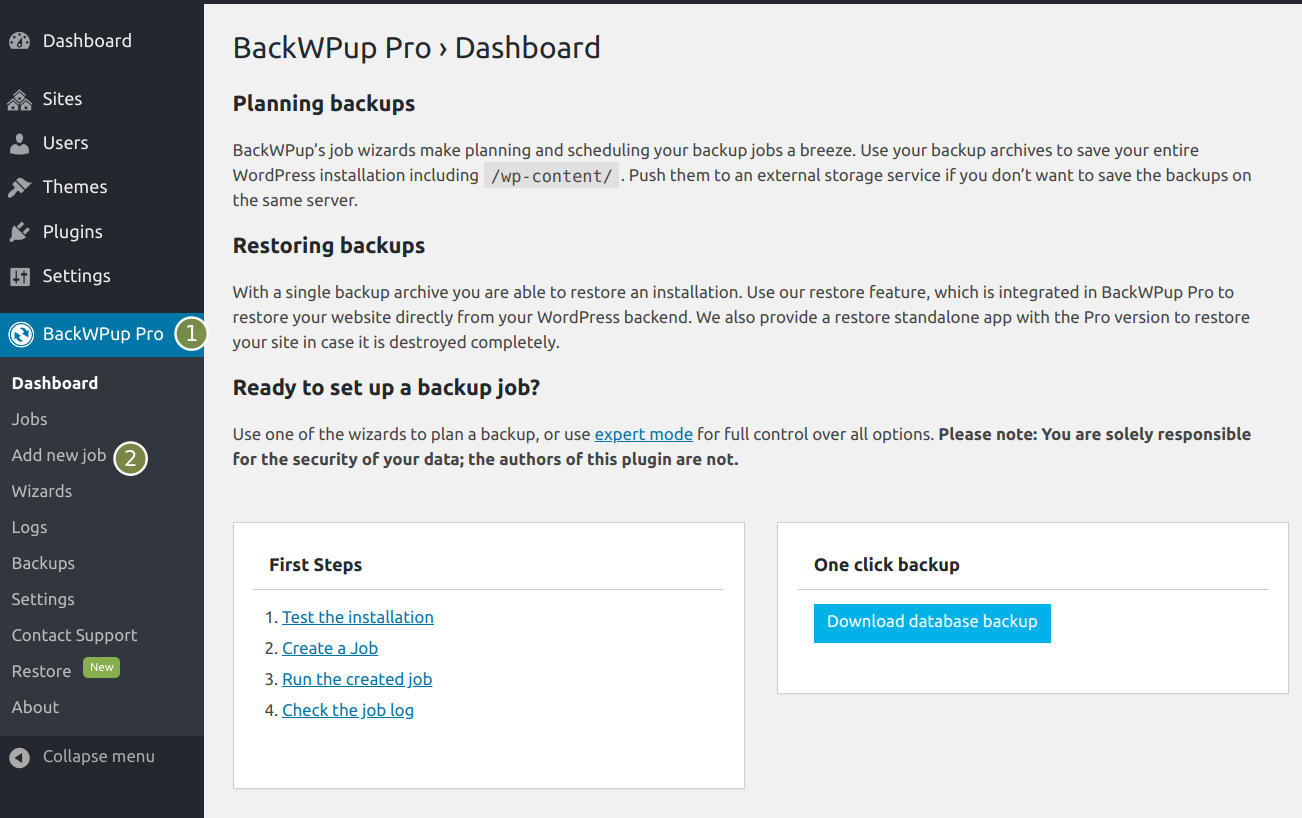
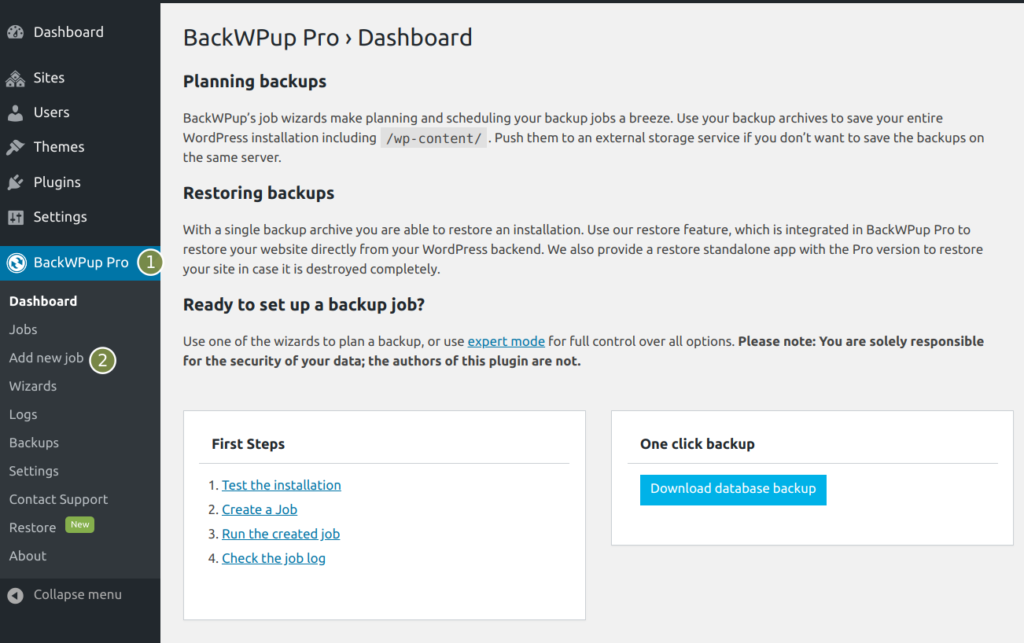
- To back up a different database, you first need to create a new backup job. To do so consider the following image and select BackWPup Pro -> Add new job
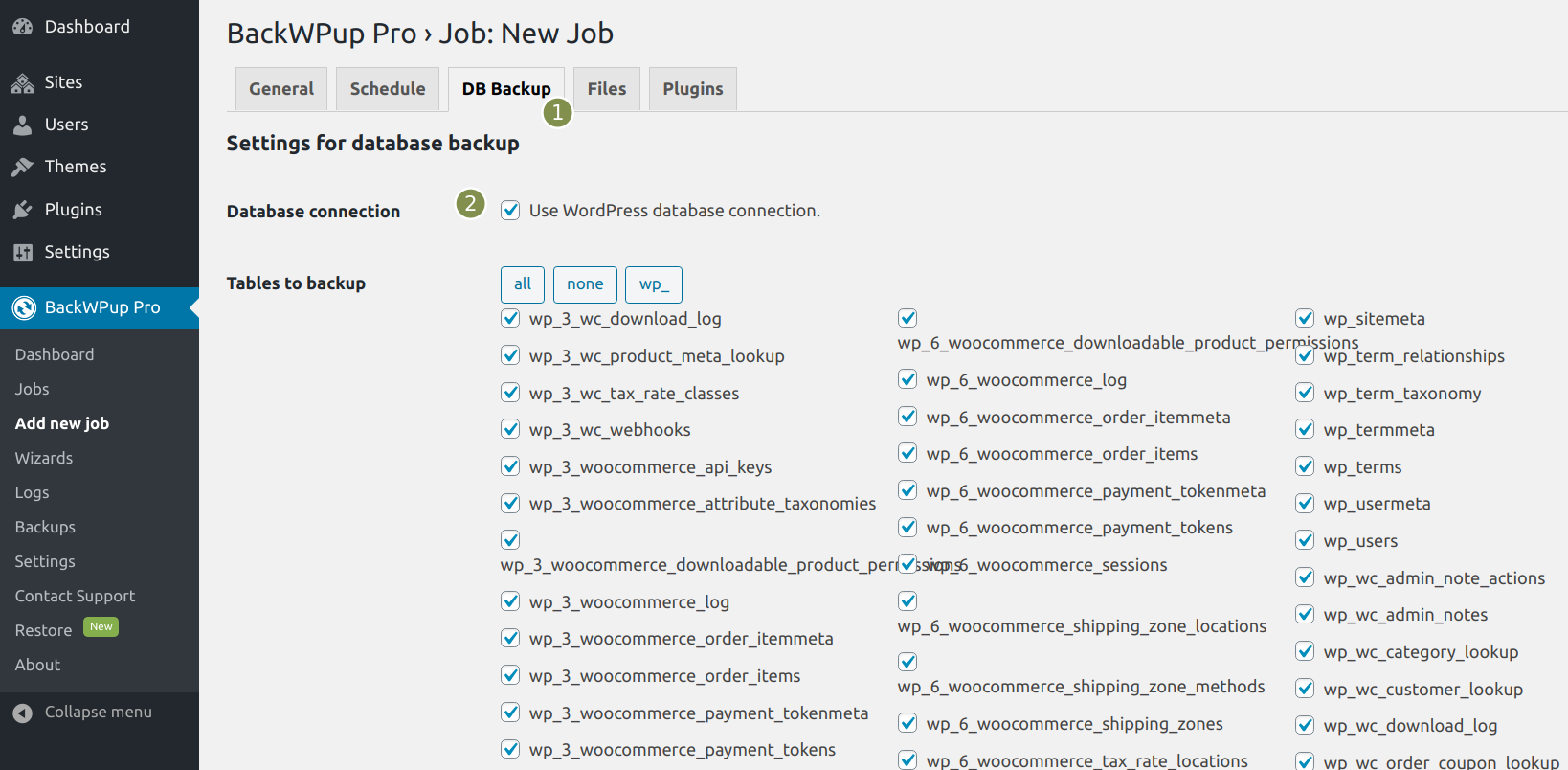
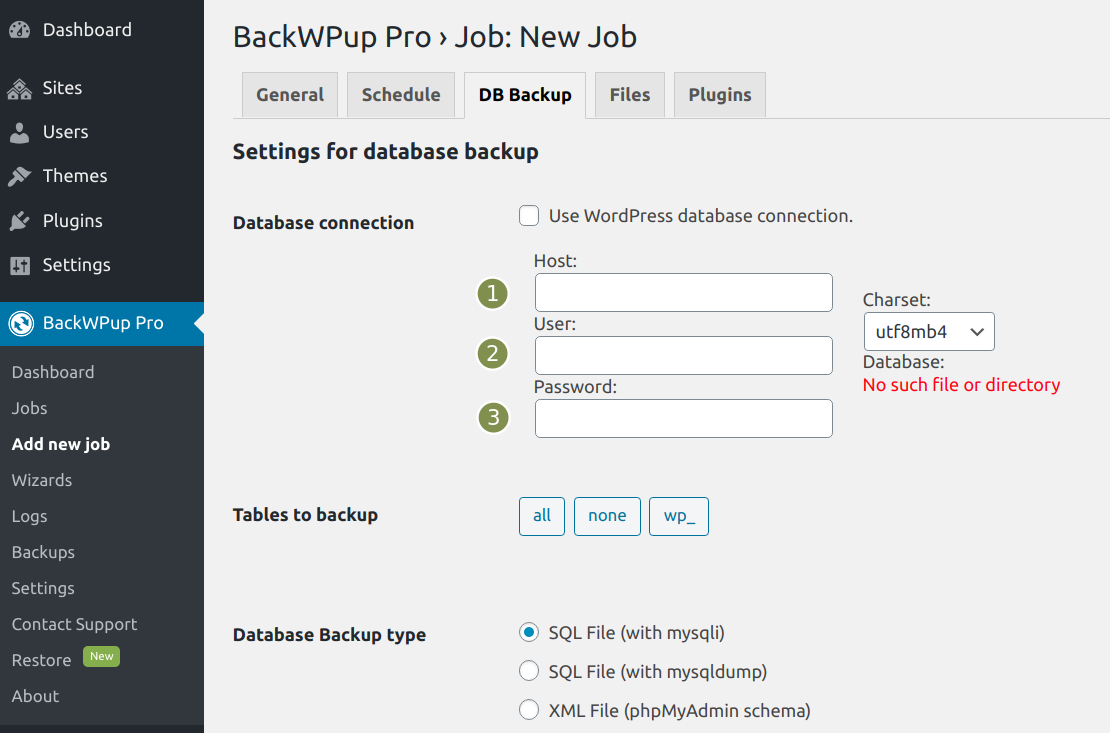
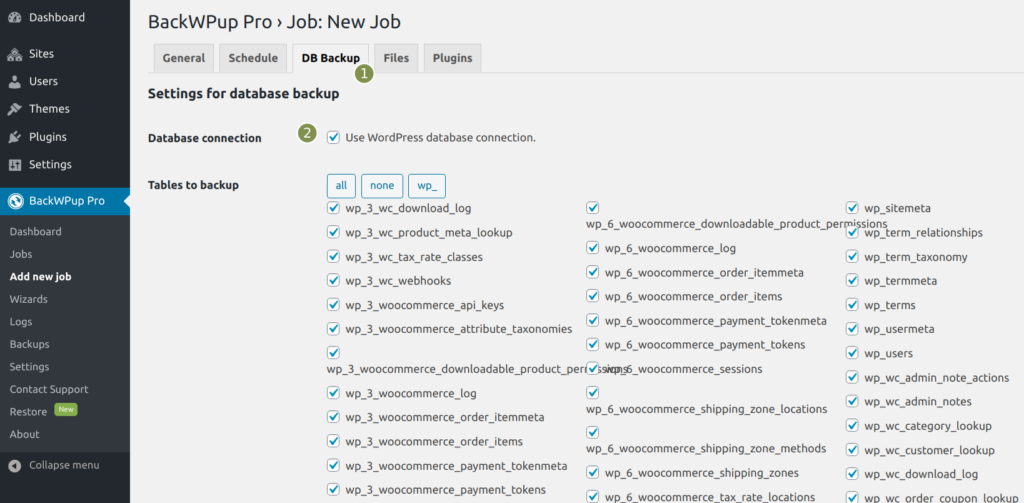
- Next you need to access the tab DB backup and remove the check next to Database connection – Use WordPress database connection.
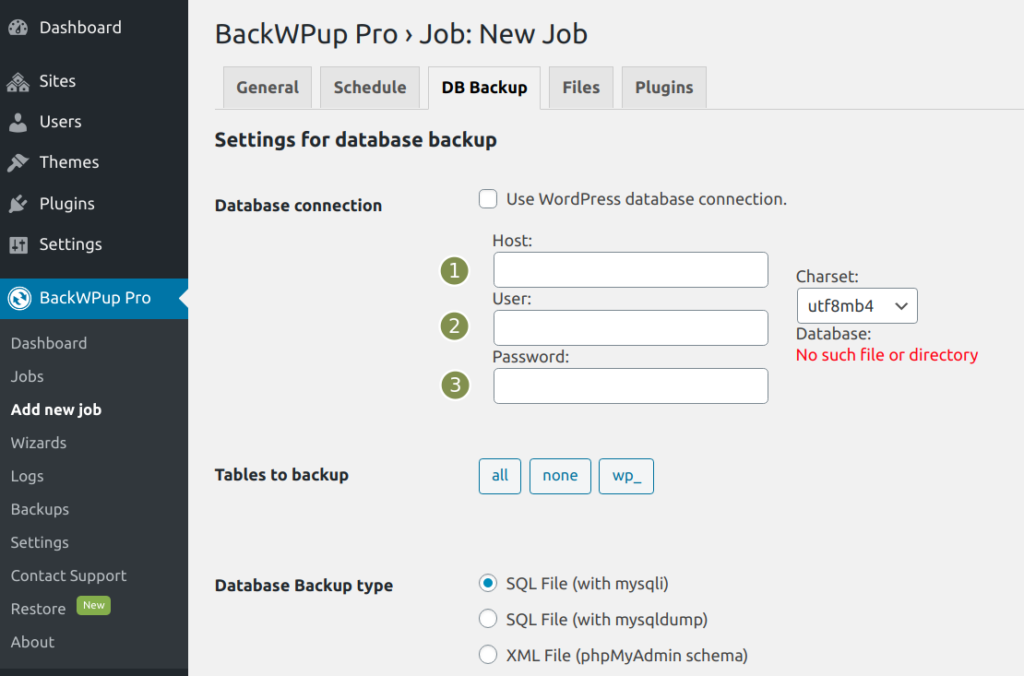
- Once you have removed the check, input fields will appear where you can select a new database. To do this you have to enter the host, the database user and the database password. Your hosting provider will give you the information you need.
- Finally, change any other settings you need on this site and click on Save changes. This way additional databases could be managed by BackWPup.